> For the complete documentation index, see [llms.txt](https://docs.getblock.io/llms.txt). Markdown versions of documentation pages are available by appending `.md` to page URLs; this page is available as [Markdown](https://docs.getblock.io/getting-started/plans-and-limits/top-up-cus-and-boost-limits.md).
# Top up CUs and boost limits
GetBlock users can top up their CU balance or upgrade to higher limits directly from their Dashboard, with a few click.
The current **CU balance** **for Shared Node** users is displayed on the **Dashboard**. This shows how many Compute Units (CUs) are left before running out.
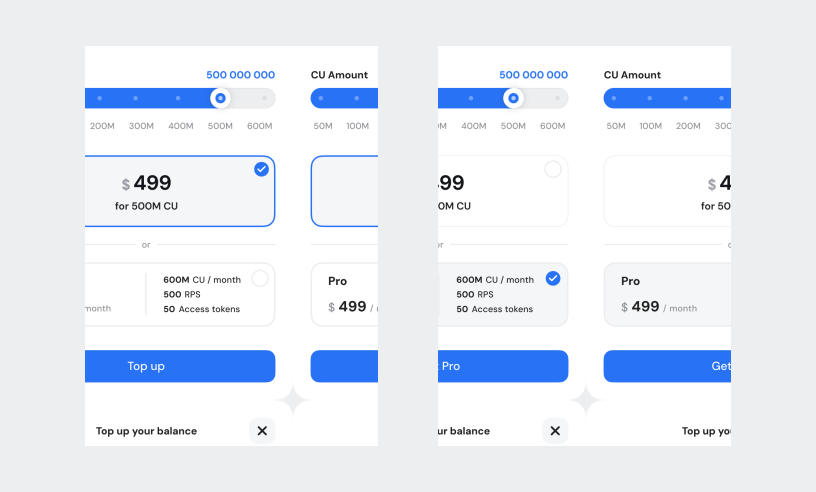
With the "**Top Up**" feature, users can add more **Compute Units** to their account or upgrade to higher monthly limits.
***
### Add Compute Units: Paid plan users
**Starter, Growth, Advanced, Scale, Pro, Premium & Enterprise** users can refill their CU balance or switch to another plan for increased limits:
1. Click the "**Top Up**" button on the **Dashboard**.
2. Select the **number of CUs** you’d like to add or choose the recommended plan (if prompted) based on your usage needs.
3. **Confirm** and finalize your purchase.
Your account balance will be updated immediately upon successful payment.
***
### **Increase CU limits: Free plan users**
Free plan users **cannot top up their Compute Units directly**. Instead, you have the option to upgrade to one of our monthly paid plans, providing significantly higher limits and extra features.
***
### Boost CU, RPS, and Access Token limits
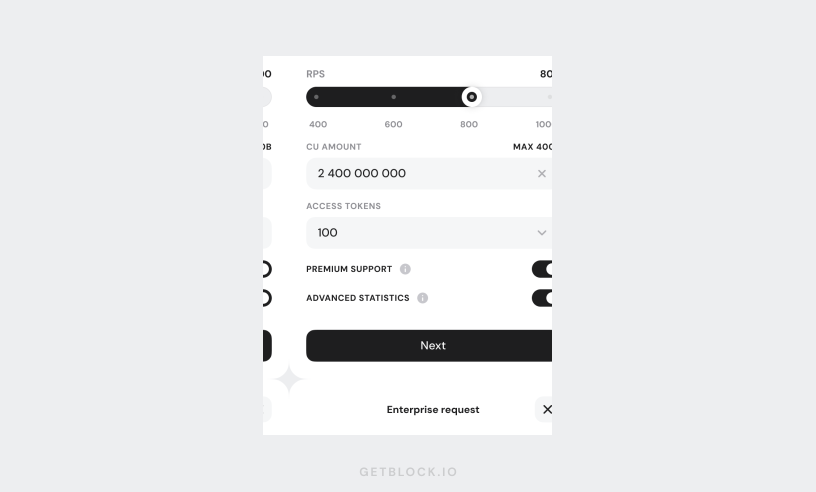
If you're on the **Enterprise** plan (our customizable Shared Node plan), you can additionally request **higher RPS** and **Access Token limits**. Here’s how:
1. Click "**Change**" on the Dashboard next to the **Rate Limit** section.
2. Fill out and submit a **request form**, choosing your desired RPS limit, CU amount, and number of Access Tokens.
3. Our team will review your request and reach out to you with next steps shortly.
{% hint style="success" %}
This feature is perfect for users who need higher transaction throughput without changing their plan. For more demanding needs, consider [Dedicated Nodes](https://getblock.io/dedicated-nodes/).
{% endhint %}